AI coding assistants like Cursor, Claude Code, and GitHub Copilot can scaffold a working WordPress plugin or custom Gutenberg block in minutes. The danger is that Large Language Models optimize for code that compiles and runs—not code that survives hostile production traffic. Over 90% of WordPress security breaches originate in plugins and themes rather than core, and “vibe-coded” plugins shipped without a human security audit routinely expose critical privilege escalation, SQL injection, and Cross-Site Scripting (XSS) holes.
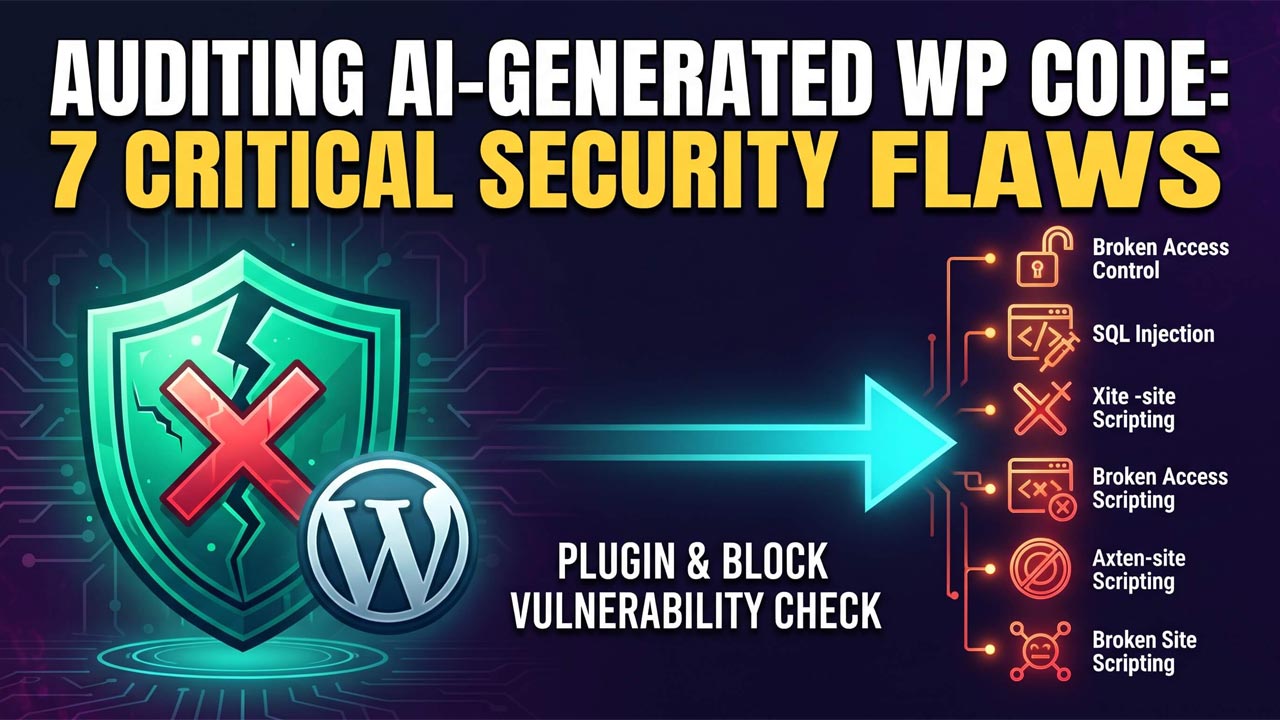
Before deploying any AI-generated plugin, mu-plugin, or dynamic Gutenberg block to a client site, run it through this 7-point security audit—complete with vulnerable AI-generated patterns and their hardened WordPress fixes.
1. Broken Access Control on AJAX & REST Endpoints
When you ask an AI to “create an AJAX endpoint to update plugin settings” or “register a custom REST route,” it almost always hooks into wp_ajax_nopriv_* unnecessarily or sets 'permission_callback' => '__return_true' so your quick browser test succeeds without authentication errors.
// VULNERABLE: AI-generated REST endpoint open to unauthenticated attackers
register_rest_route( 'devnahian/v1', '/save-settings', array(
    'methods'             => 'POST',
    'callback'            => 'devnahian_save_plugin_settings',
    'permission_callback' => '__return_true',
) );

// HARDENED: Enforce granular capability checks on every state-changing route
register_rest_route( 'devnahian/v1', '/save-settings', array(
    'methods'             => 'POST',
    'callback'            => 'devnahian_save_plugin_settings',
    'permission_callback' => function () {
        return current_user_can( 'manage_options' );
    },
) );
2. Missing CSRF Nonces on Admin Form Handlers
AI models frequently check isset( $_POST['submit'] ) inside an admin_init callback without generating or verifying a cryptographic WordPress nonce. Without check_admin_referer(), an attacker can trick a logged-in administrator into clicking a malicious link that silently overwrites site options or injects rogue scripts.
// HARDENED: Verify both capability AND nonce before reading $_POST
add_action( 'admin_init', function () {
    if ( ! isset( $_POST['devnahian_save_nonce'] ) ) {
        return;
    }

    if ( ! current_user_can( 'manage_options' ) ) {
        wp_die( esc_html__( 'Unauthorized request.', 'devnahian' ), 403 );
    }

    check_admin_referer( 'devnahian_save_settings_action', 'devnahian_save_nonce' );

    $api_endpoint = isset( $_POST['api_endpoint'] )
        ? esc_url_raw( wp_unslash( $_POST['api_endpoint'] ) )
        : '';

    update_option( 'devnahian_api_endpoint', $api_endpoint, false );
} );
3. Unescaped Dynamic Gutenberg Block Output (Stored XSS)
In dynamic Gutenberg blocks (render.php or render_callback), AI assistants routinely echo $attributes directly into HTML tags and attributes. Even if only Editors or Authors can insert the block, unescaped attributes create Stored XSS vectors—and if an attribute accepts URLs, an attacker can inject javascript:alert(1) payloads.
<?php
// VULNERABLE: Raw attribute interpolation inside render.php
// echo '<a href="' . $attributes['ctaUrl'] . '">' . $attributes['ctaLabel'] . '</a>';

// HARDENED: Context-aware escaping for URLs, attributes, and HTML text
$cta_url   = ! empty( $attributes['ctaUrl'] ) ? esc_url( $attributes['ctaUrl'] ) : '';
$cta_label = ! empty( $attributes['ctaLabel'] ) ? esc_html( $attributes['ctaLabel'] ) : '';
$wrapper   = get_block_wrapper_attributes( array( 'class' => 'devnahian-cta-box' ) );

if ( $cta_url && $cta_label ) {
    printf(
        '<div %1$s><a href="%2$s" rel="noopener noreferrer">%3$s</a></div>',
        $wrapper, // Already escaped by get_block_wrapper_attributes()
        $cta_url,
        $cta_label
    );
}
4. Raw String Interpolation in Custom $wpdb Queries
Whenever a prompt asks for custom reporting, search filters, or analytics queries, LLMs frequently concatenate $_GET parameters directly into SQL strings—or misuse $wpdb->prepare() on dynamic ORDER BY column names where placeholders do not work.
global $wpdb;

// HARDENED: Allowlist dynamic identifiers + use $wpdb->prepare() for values
$allowed_orderby = array( 'post_date', 'post_title', 'comment_count' );
$orderby         = isset( $_GET['orderby'] ) ? sanitize_key( $_GET['orderby'] ) : 'post_date';
$orderby         = in_array( $orderby, $allowed_orderby, true ) ? $orderby : 'post_date';

$status = isset( $_GET['status'] ) ? sanitize_key( $_GET['status'] ) : 'publish';
$limit  = isset( $_GET['limit'] ) ? min( 50, max( 1, absint( $_GET['limit'] ) ) ) : 10;

$results = $wpdb->get_results(
    $wpdb->prepare(
        "SELECT ID, post_title FROM {$wpdb->posts} WHERE post_status = %s ORDER BY {$orderby} DESC LIMIT %d",
        $status,
        $limit
    )
);
5. Arbitrary File Uploads & Directory Traversal
AI-generated file upload handlers often rely on move_uploaded_file() directly into wp-content/uploads/ while trusting $_FILES['file']['type'] (which any HTTP client can spoof) or concatenating user-supplied filenames into file paths.
// HARDENED: Delegate file validation and MIME verification to WordPress core
require_once ABSPATH . 'wp-admin/includes/file.php';

$allowed_mimes = array(
    'jpg|jpeg' => 'image/jpeg',
    'png'      => 'image/png',
    'webp'     => 'image/webp',
);

$upload = wp_handle_upload(
    $_FILES['receipt_image'],
    array(
        'test_form' => false,
        'mimes'     => $allowed_mimes,
    )
);

if ( isset( $upload['error'] ) ) {
    wp_send_json_error( esc_html( $upload['error'] ), 400 );
}
6. Unsafe unserialize() on User-Controlled Data
When generating import/export features or cookie parsers, AI models occasionally reach for PHP’s unserialize() instead of JSON. Passing untrusted input to unserialize() opens the door to PHP Object Injection attacks whenever a plugin with vulnerable magic methods (__wakeup, __destruct) is installed on the same site.
- Always Replace with JSON: Use
wp_json_encode()andjson_decode( $raw, true )for all import/export payloads, cookies, and REST parameters. - If Legacy Serialized Data Is Unavoidable: Always pass
array( 'allowed_classes' => false )tounserialize()so PHP refuses to instantiate arbitrary classes.
7. Missing ABSPATH Guards & Open Redirects
AI-generated PHP files often omit if ( ! defined( 'ABSPATH' ) ) { exit; } at the top of template or class files, and default to wp_redirect( $_GET['redirect_to'] )—allowing attackers to craft phishing links that bounce users off your trusted domain to an external malicious URL.
if ( ! defined( 'ABSPATH' ) ) {
    exit;
}

// HARDENED: Restrict redirects strictly to allowed local/whitelisted hosts
$redirect_url = isset( $_GET['redirect_to'] )
    ? esc_url_raw( wp_unslash( $_GET['redirect_to'] ) )
    : admin_url();

wp_safe_redirect( $redirect_url );
exit;
Automate Your Pre-Launch Audit with WP-CLI & Plugin Check
Never rely on manual visual inspection alone. Before shipping any AI-assisted plugin or block, run WordPress’s official Plugin Check (PCP) tool and WordPress Coding Standards (WPCS) via WP-CLI to flag missing nonces, unescaped variables, and unsafe SQL calls automatically:
wp plugin check your-plugin-slug --categories=security --format=tableFinal Thoughts
AI coding tools dramatically accelerate WordPress development, but they treat security guardrails as optional unless you enforce them explicitly. Auditing every endpoint for capability checks, nonces, prepared SQL statements, and context-specific escaping turns fast AI prototypes into production-grade WordPress plugins you can deploy with confidence.